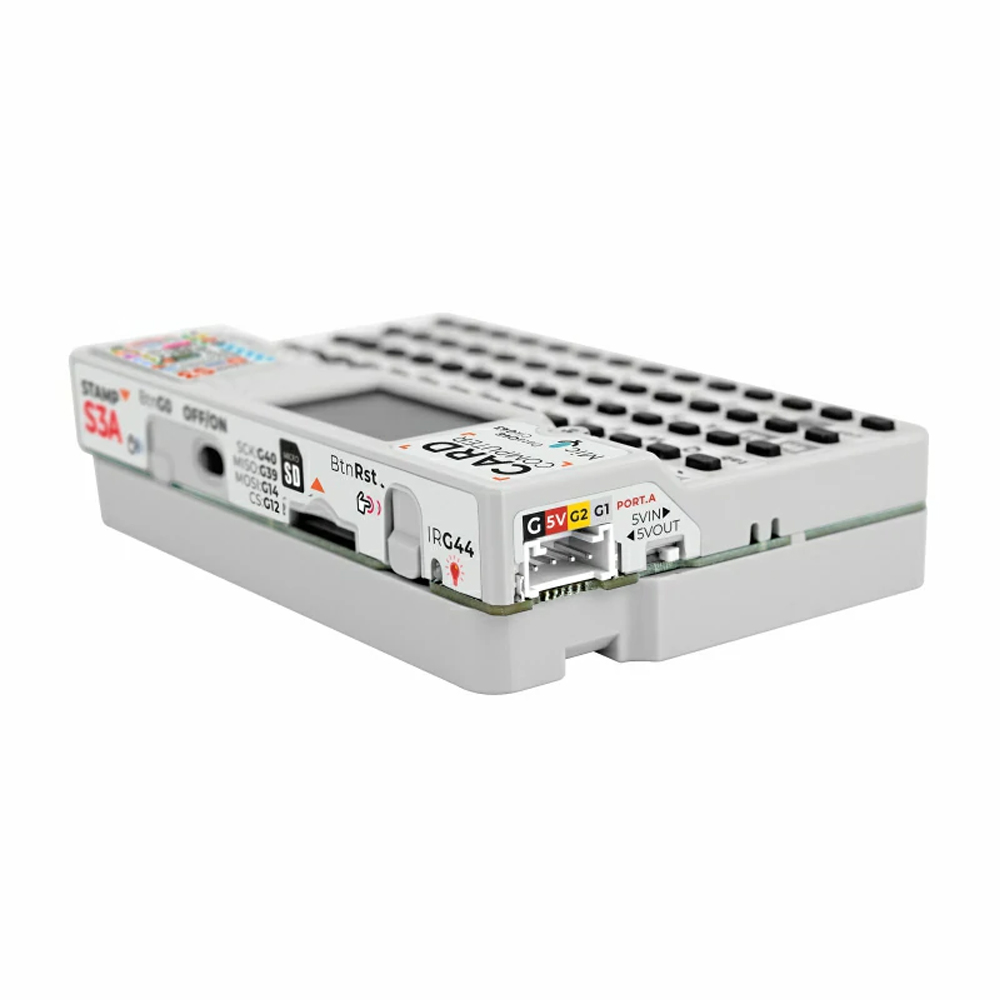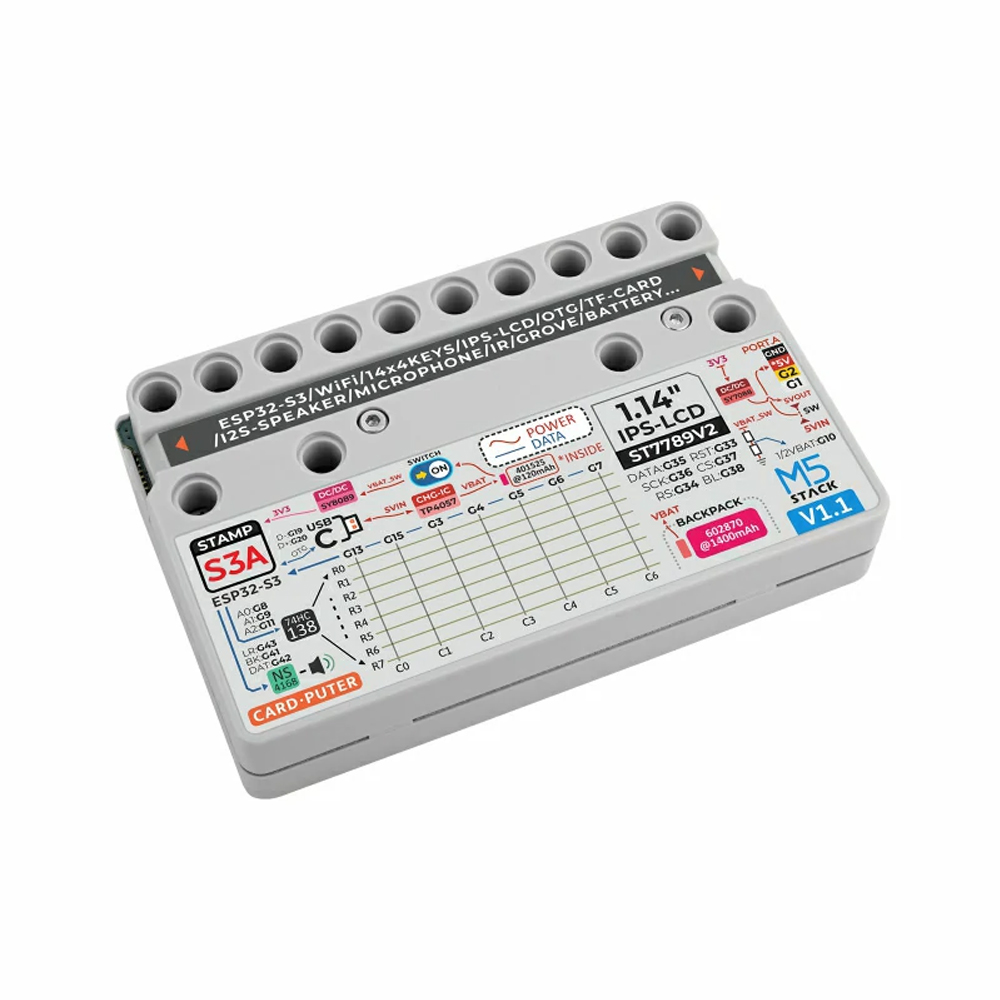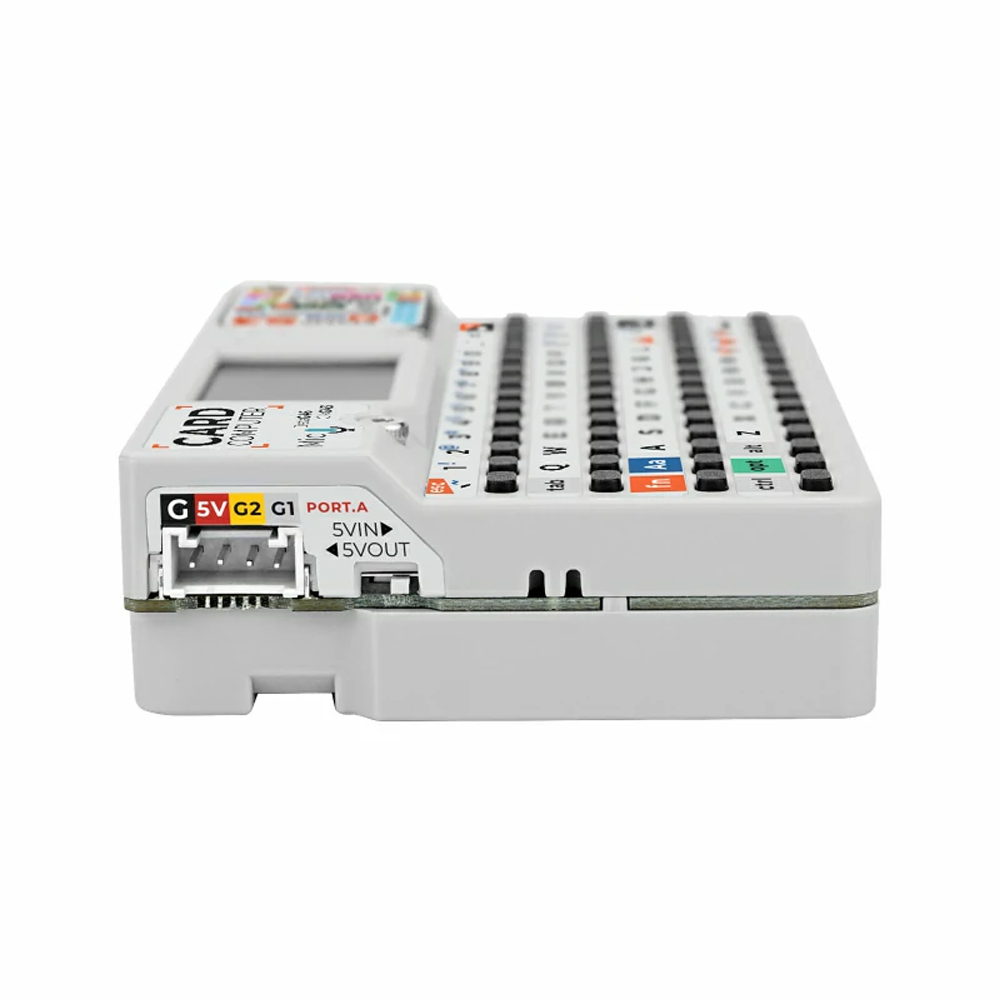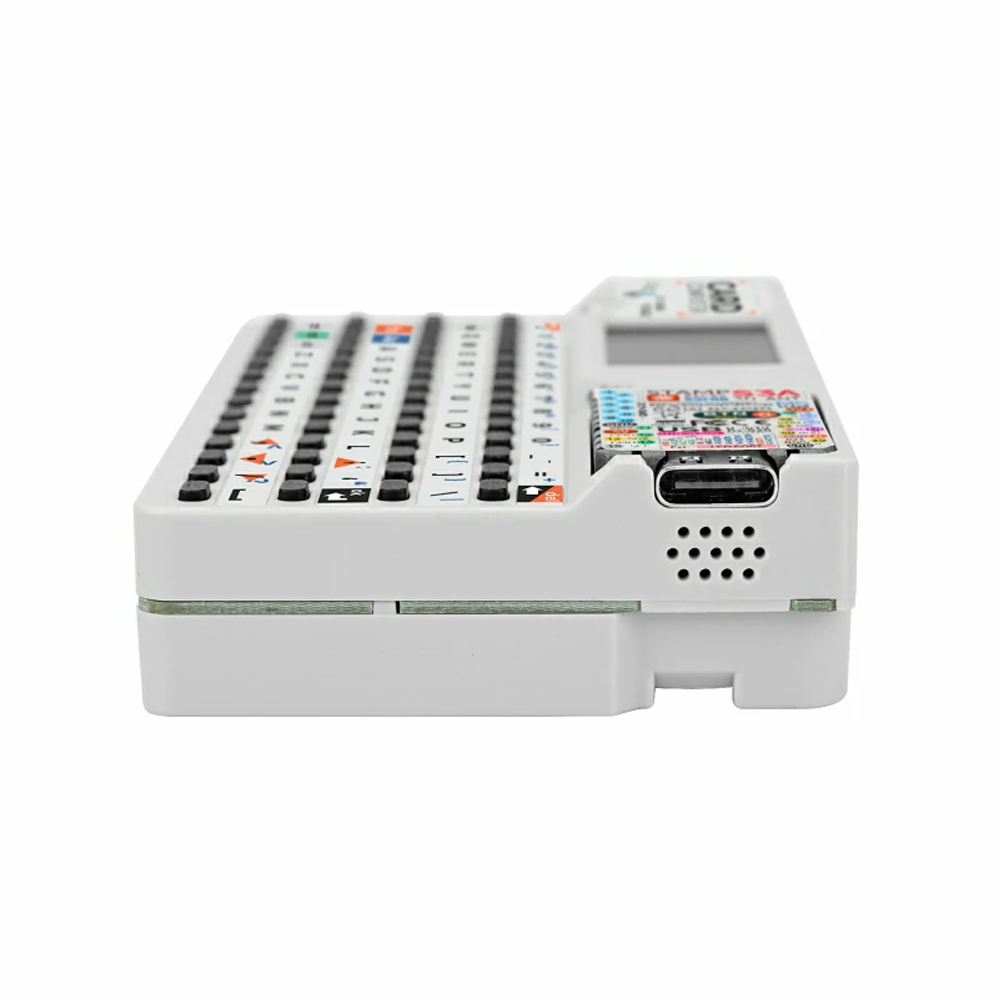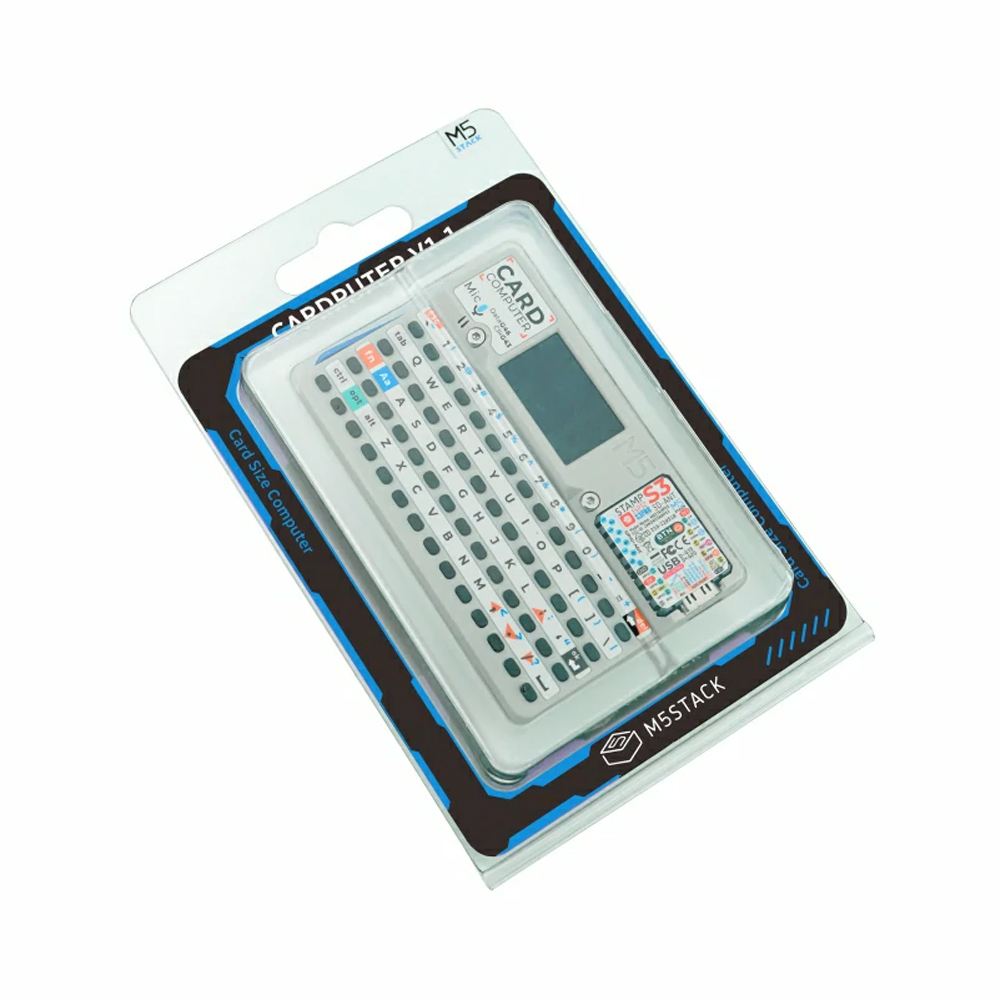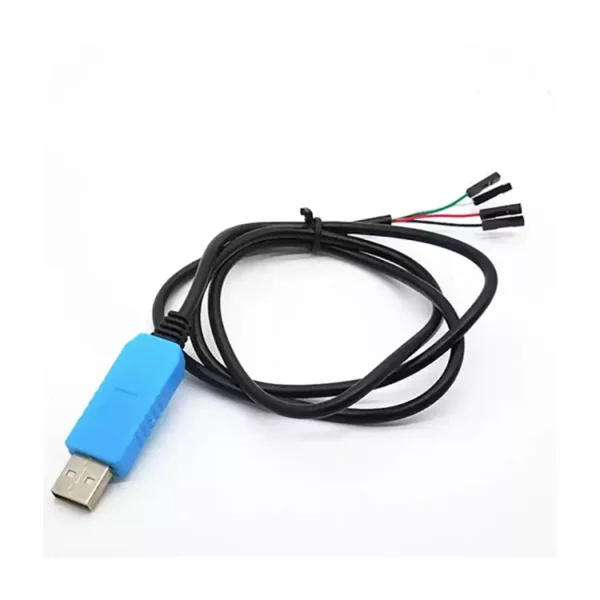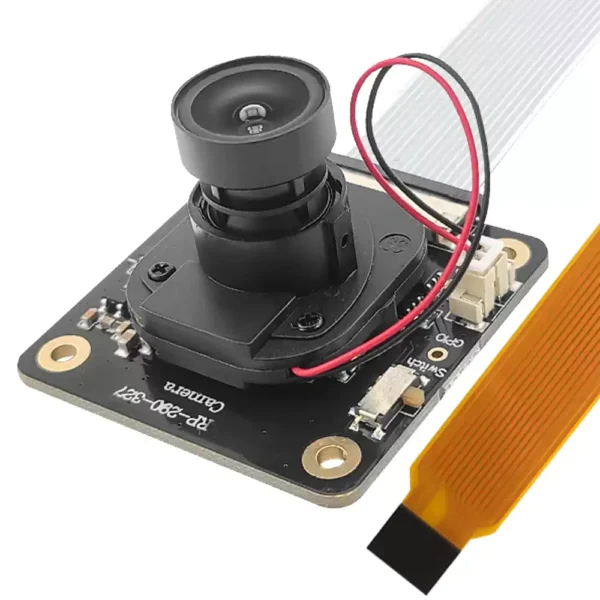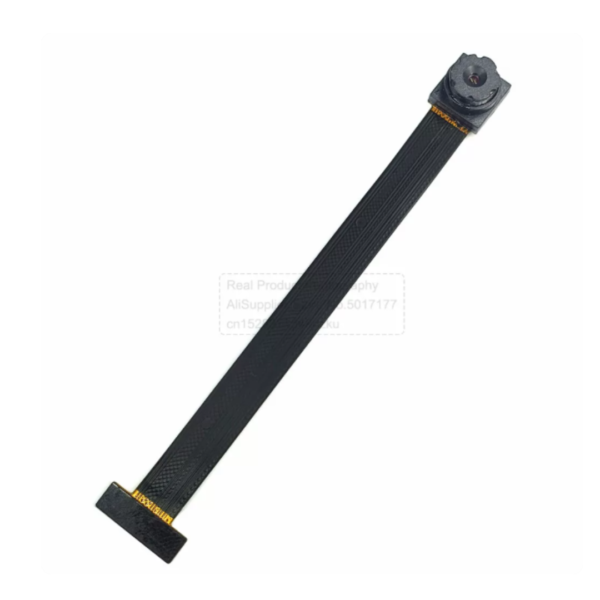
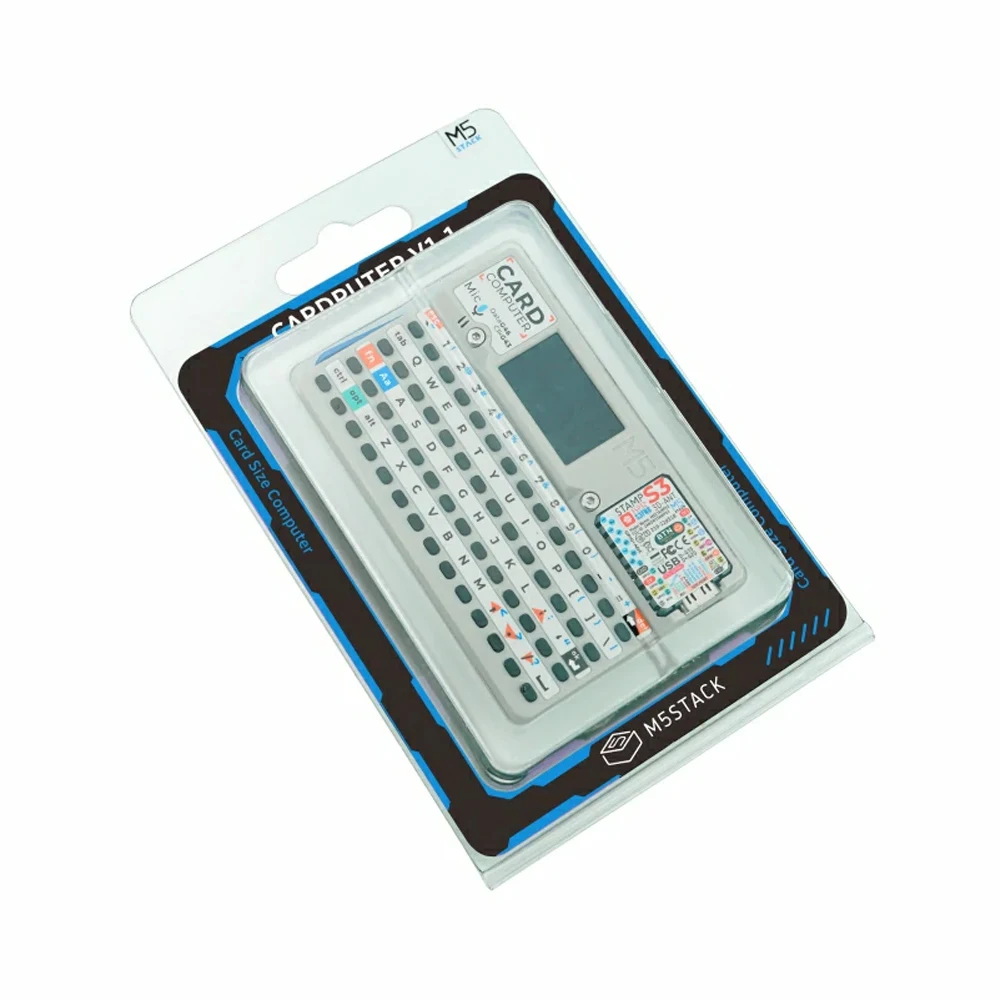
M5stack Cardputer v1.1 開発ボード 56 キーボードカード マイクロコントローラ M5StampS3 メインコントローラ ポータブルコンピュータ

$40.90

在庫あり

商品コード: 1005007576934371 カテゴリー: , ,

説明

 M5stack Cardputer v1.1 Development Kit

M5stack Cardputer v1.1 Development Board 56 Keyboard Card Microcontroller M5StampS3 main controller Portable Computer — reference image 1

Comparison Item

M5stack Cardputer v1.1 Development Board 56 Keyboard Card Microcontroller M5StampS3 main controller Portable Computer — reference image 2

Cardputer v1.1

M5stack Cardputer v1.1 Development Board 56 Keyboard Card Microcontroller M5StampS3 main controller Portable Computer — reference image 3

Cardputer

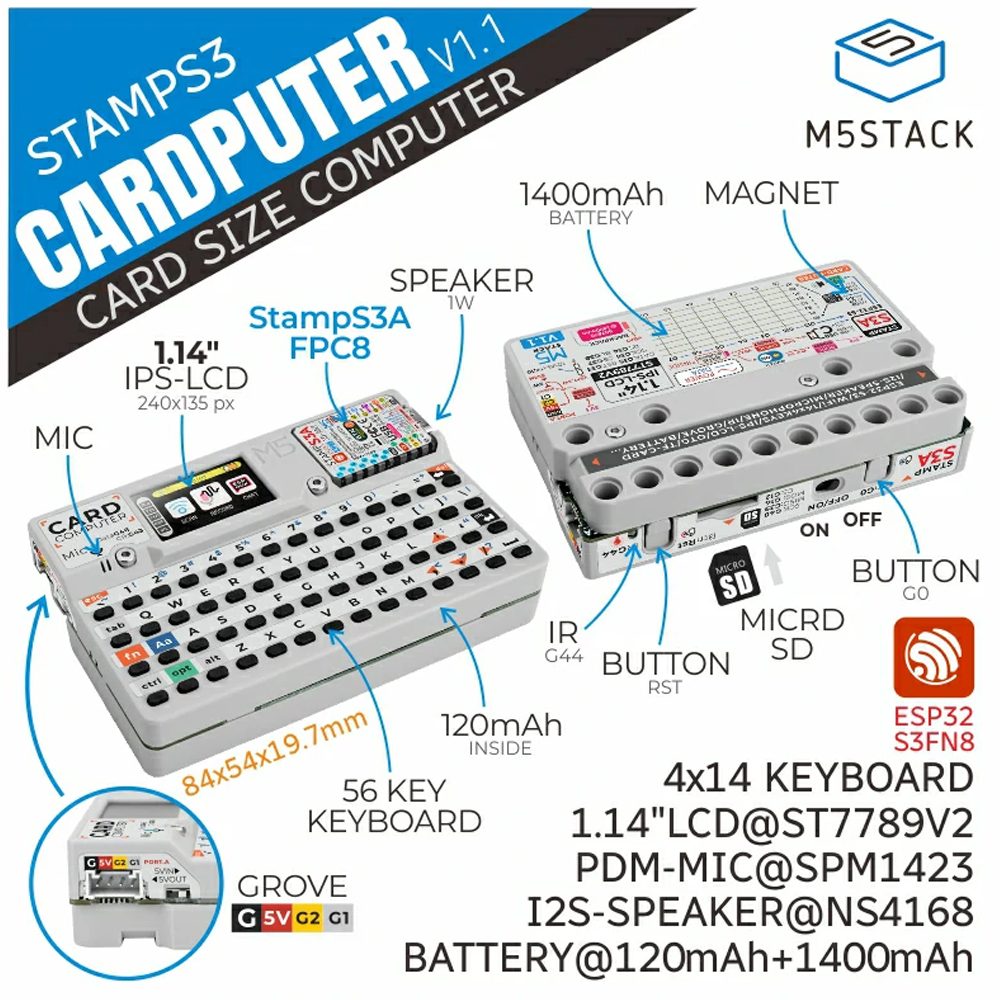
Core Module StampS3A StampS3
RGB LED Control Logic RGB LED and screen backlight share the same power supply,
with optimized control logic
Powered immediately upon power supply
Antenna Design Optimized antenna design for improved signal reception Conventional antenna design
Key Specifications Optimized key feel with keys sized at 4.0 x 3.0 x 2.0mm Key size of 2.6 x 1.6 x 0.55mm
消費電力 Optimized for lower power consumption Conventional design

Note: New and old versions are shipped randomly

M5stack Cardputer v1.1 Development Board 56 Keyboard Card Microcontroller M5StampS3 main controller Portable Computer — reference image 4

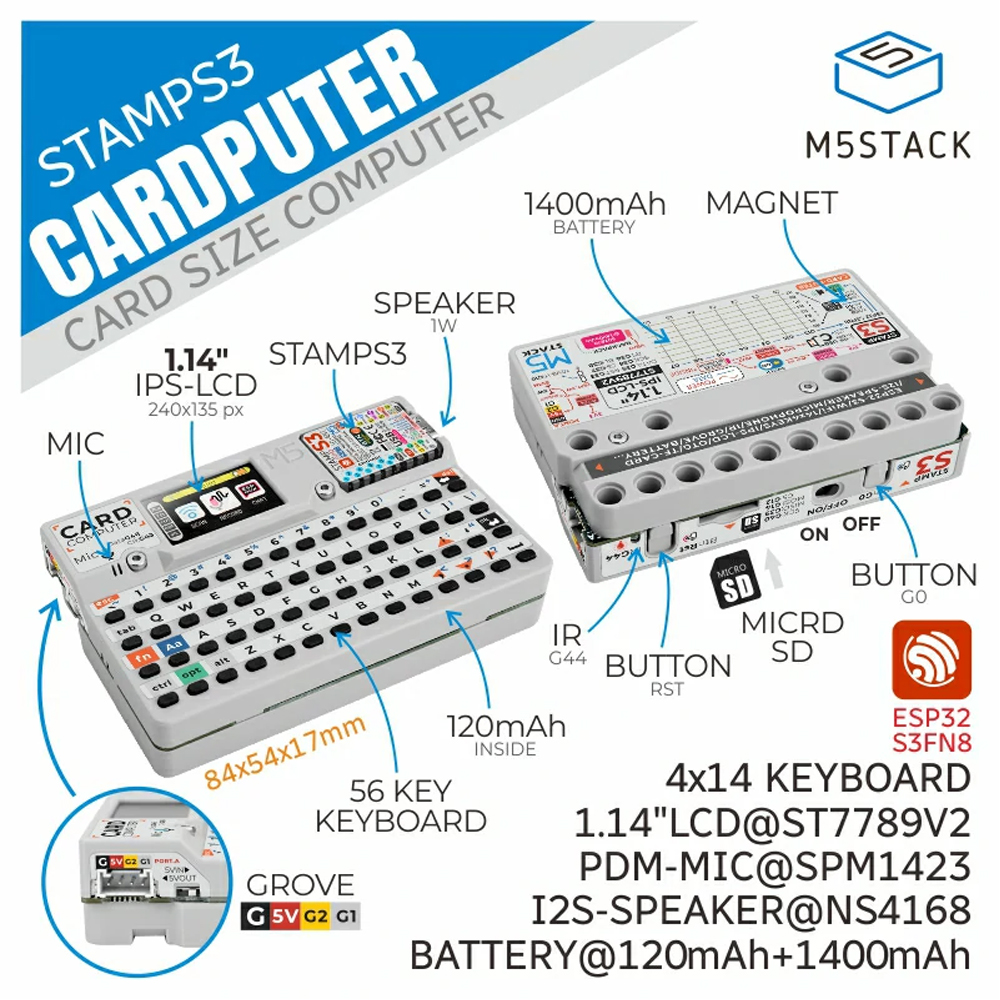
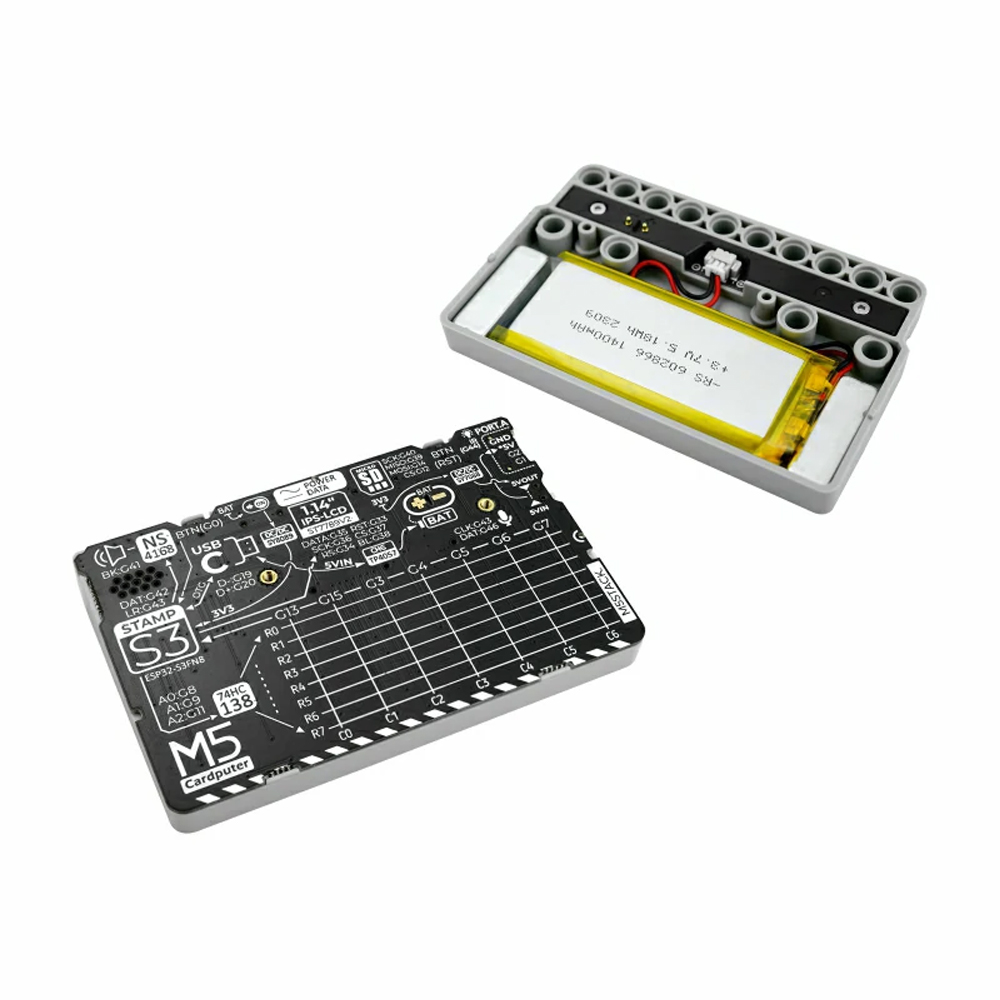
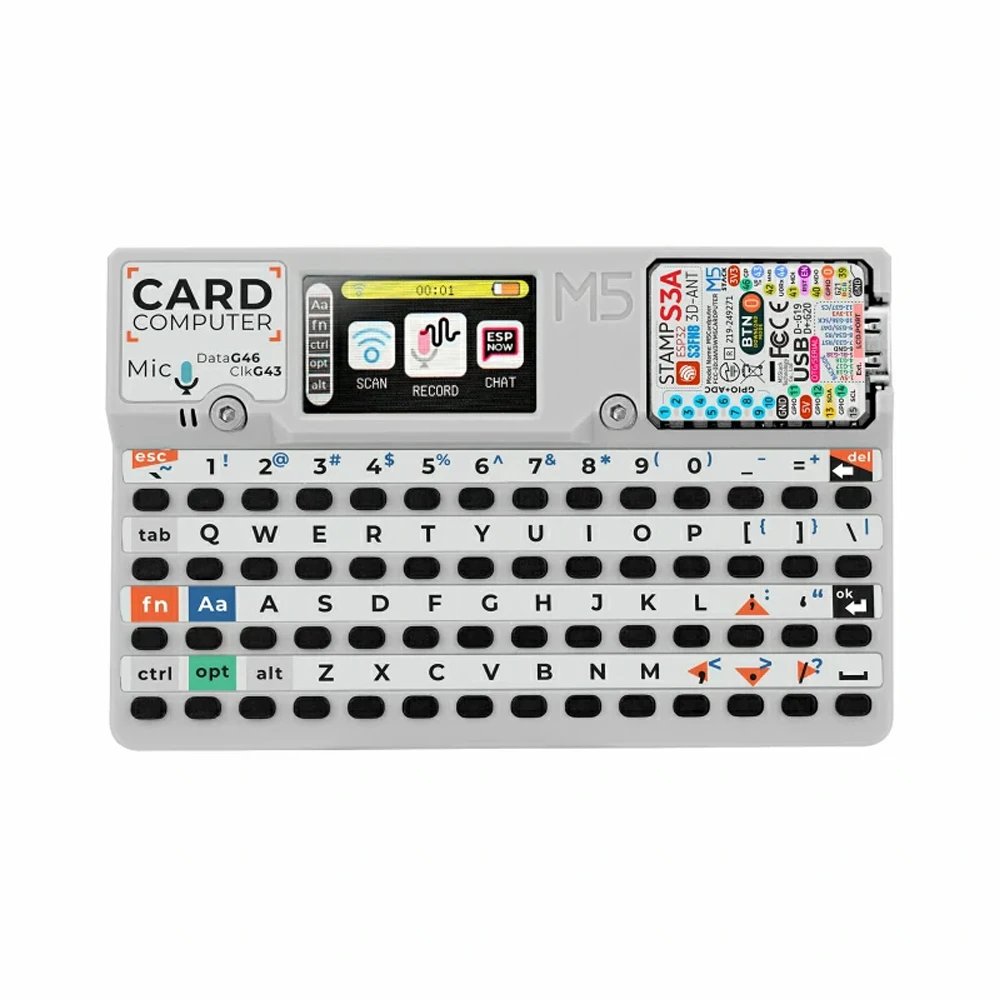
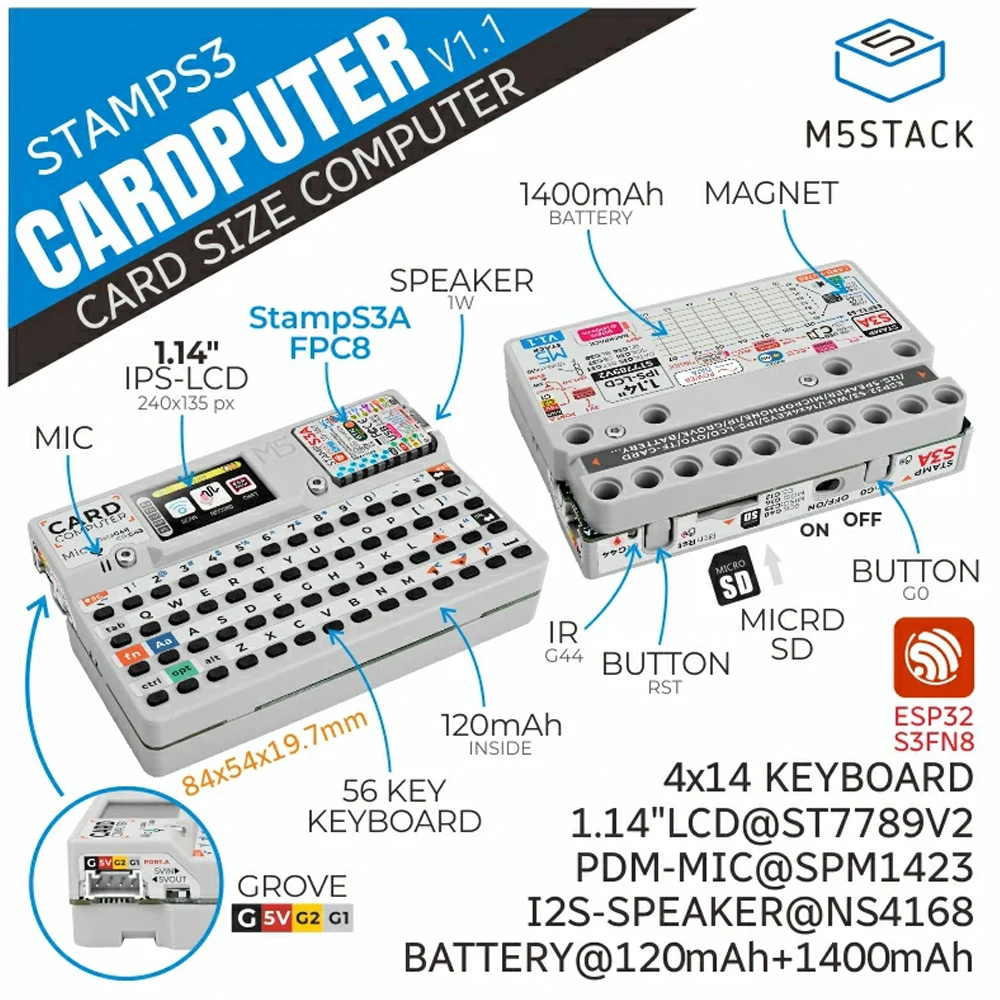
Cardputer v1.1 is a high-performance card computer designed for engineers, comprehensively upgraded from the original Cardputer. The new version features an all-new StampS3A microcontroller and optimized core module antenna and keys, significantly enhancing system stability and user experience.
In terms of control and interaction, the product is equipped with a
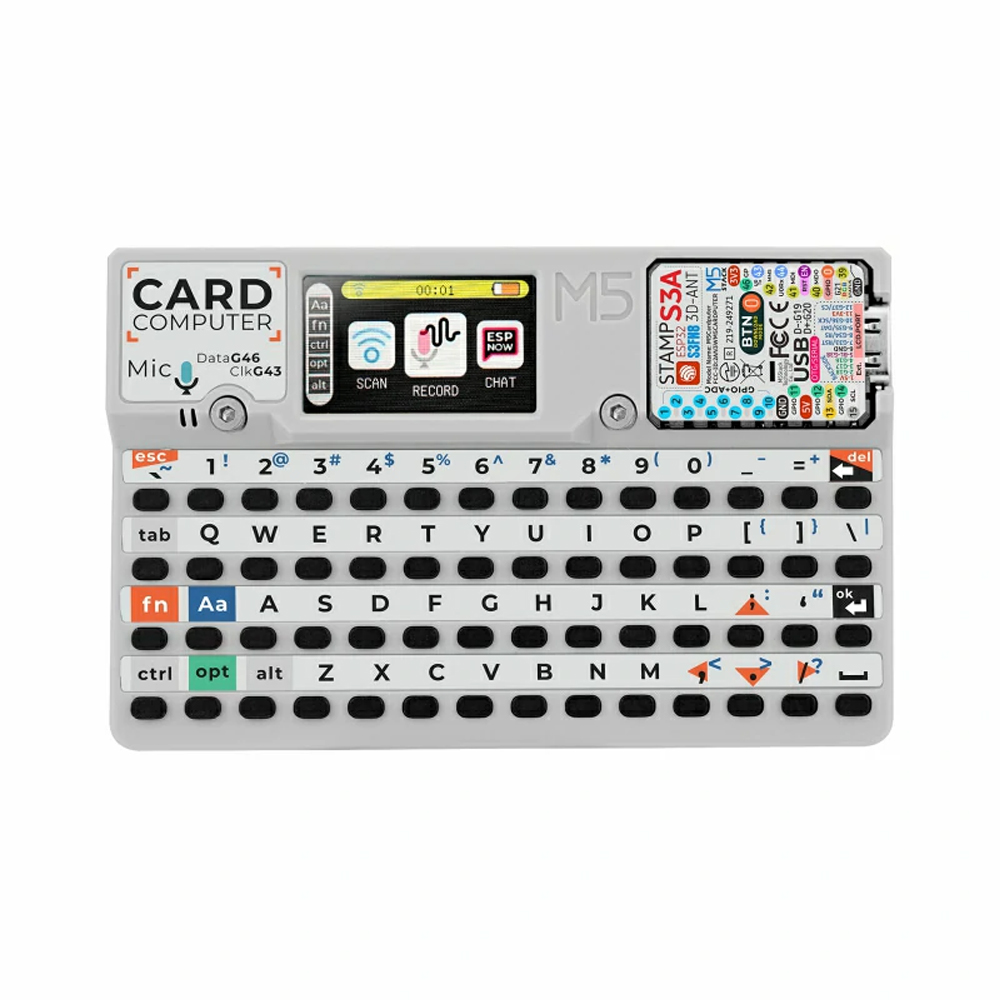
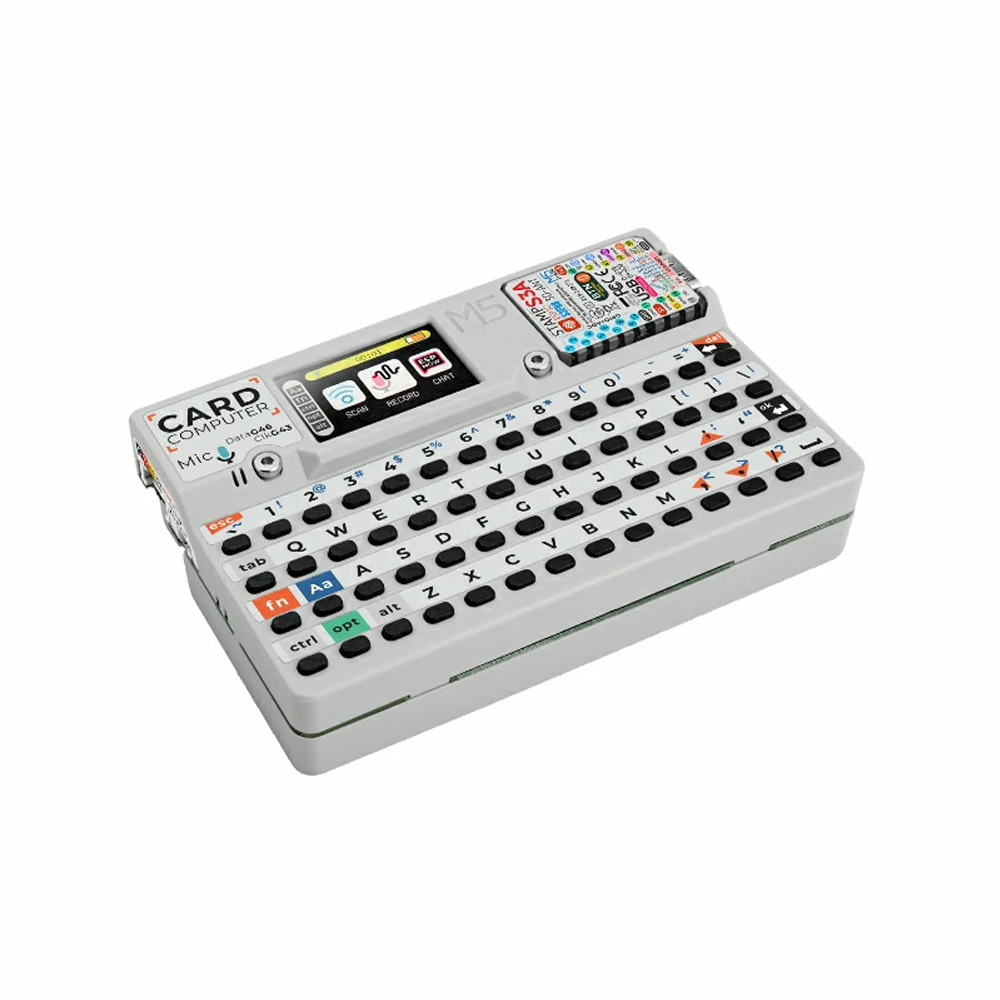
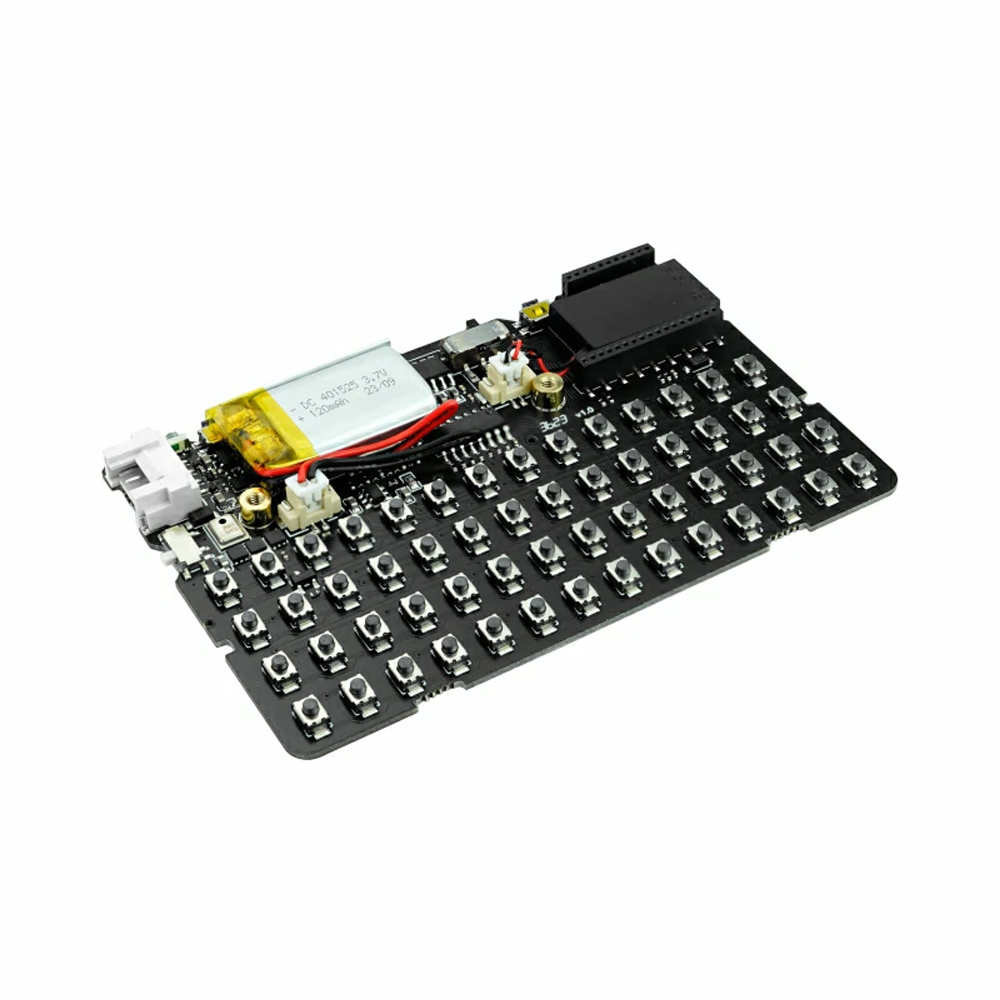
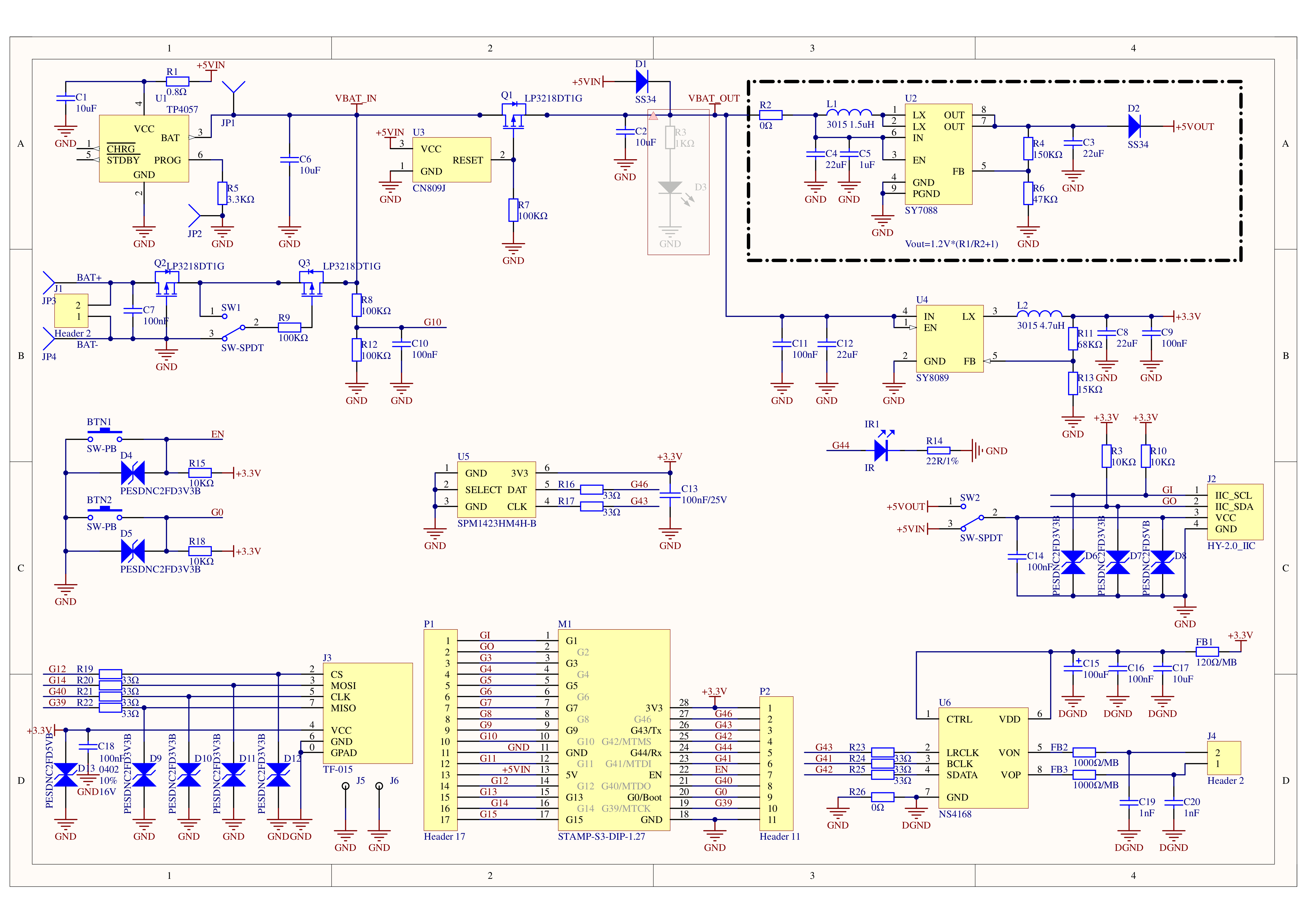
56-key keyboard and a 1.14-inch TFT screen for efficient display and operation; the onboard SPM1423 digital MEMS microphone supports recording and wake-up functions and outputs audio via an integrated cavity speaker; additionally, an infrared emitter provides external infrared control capabilities.
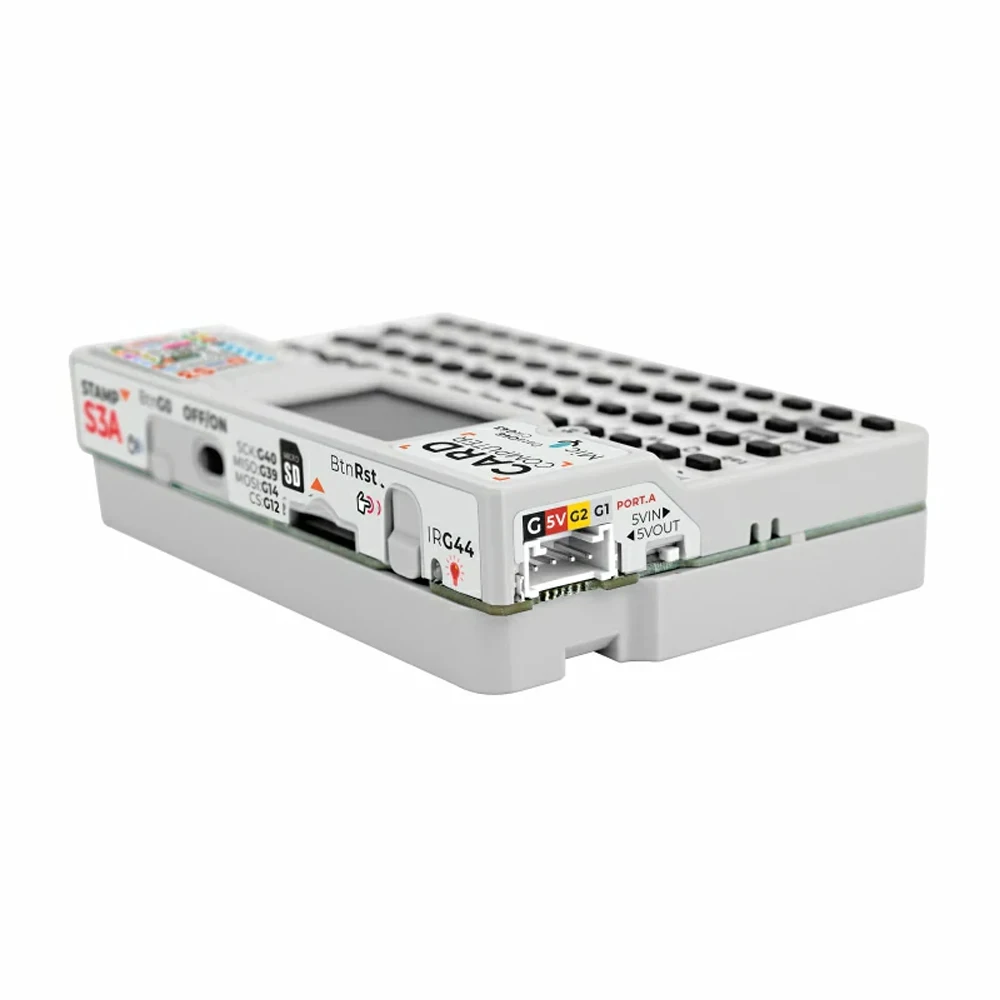
For expanded functionality, a built-in Grove interface facilitates custom sensor expansion; storage is enhanced with a Micro
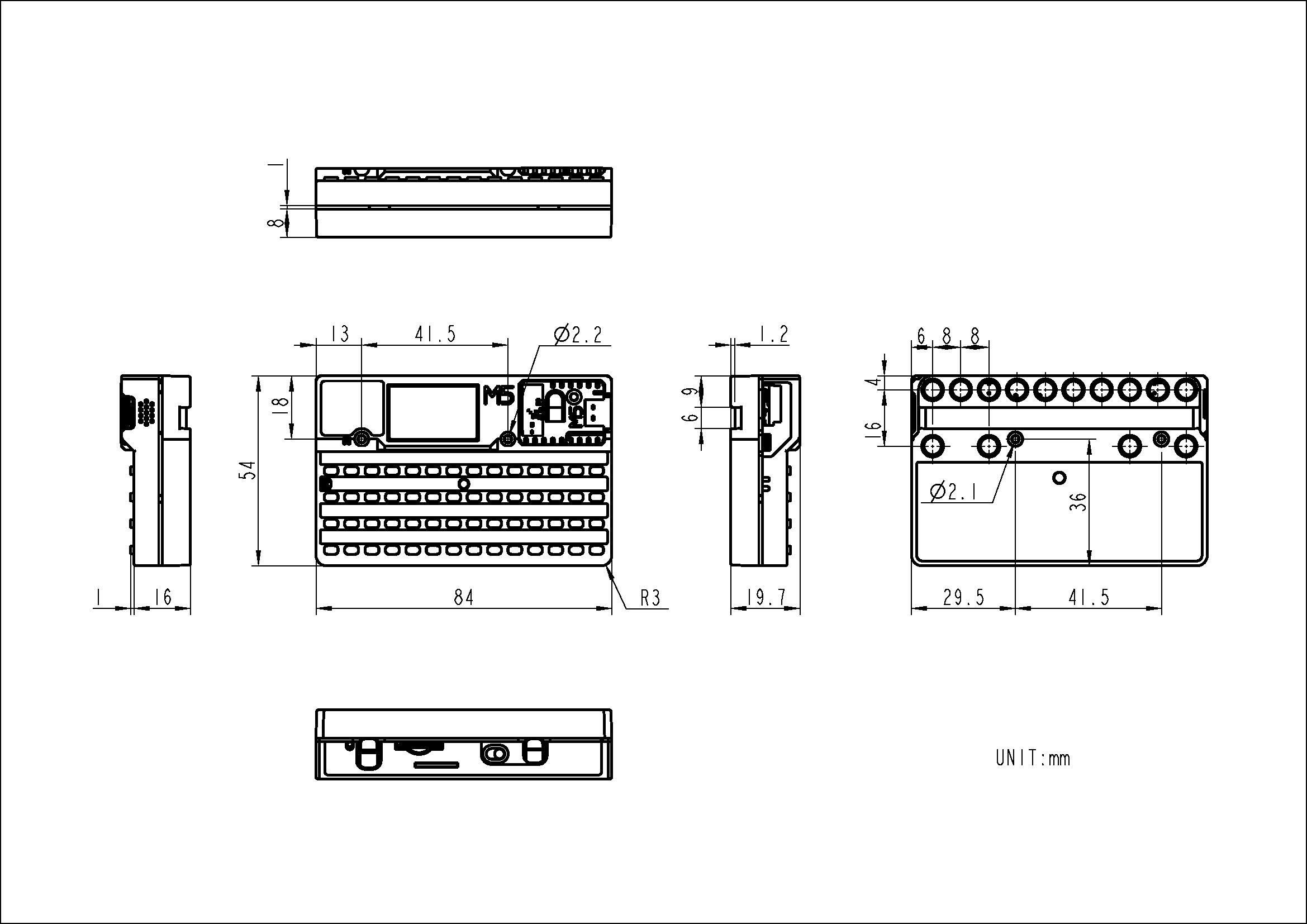
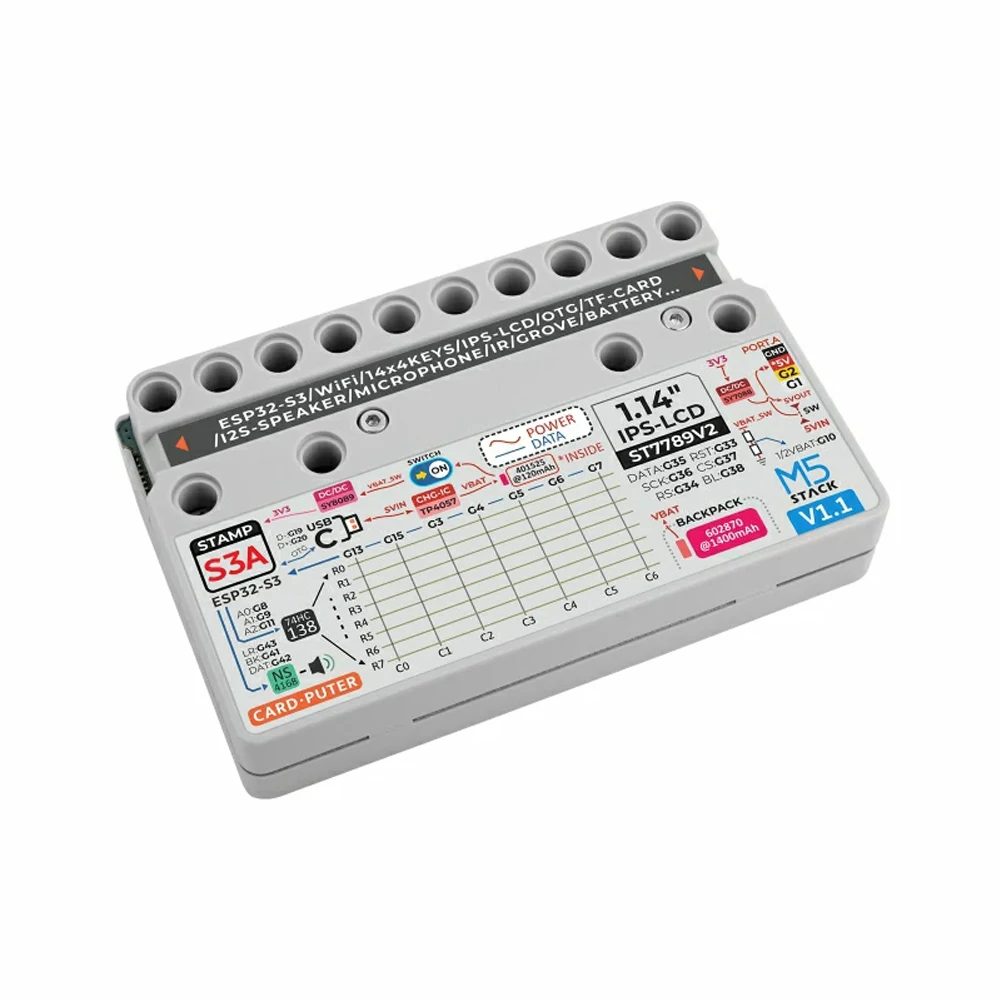
SD card slot for easy expansion of storage space. The power system employs an internal 120mAh battery alongside a 1400mAh battery in the base, integrating lithium battery charging and boost/buck circuits to greatly extend battery life. Structurally, the base is equipped with magnets for metal adhesion and is compatible with LEGO stud expansion.
This product is widely applicable for rapid functional verification, industrial control, home control systems, and various other application scenarios.

M5stack Cardputer v1.1 Development Board 56 Keyboard Card Microcontroller M5StampS3 main controller Portable Computer — reference image 5

Product Features
StampS3A microcontroller
56-key keyboard
1.14-inch TFT screen
Cavity speaker and SPM1423 digital MEMS microphone
Infrared emitter for infrared control interaction
HY2.0-4P interface
Micro SD card slot
Built-in 120mAh and base 1400mAh lithium batteries
Base with magnets
Compatible with LEGO stud expansion
Development Platforms
Arduino
UIFlow 2.0
ESP-IDF

用途
Fast functional verification and prototyping
Industrial control and automation
Home Control System
Data acquisition and sensor monitoring
Embedded system development and learning
Wireless communication and Internet of Things (IoT) projects

M5stack Cardputer v1.1 Development Board 56 Keyboard Card Microcontroller M5StampS3 main controller Portable Computer — reference image 6

M5stack Cardputer v1.1 Development Board 56 Keyboard Card Microcontroller M5StampS3 main controller Portable Computer — reference image 7

M5stack Cardputer v1.1 Development Board 56 Keyboard Card Microcontroller M5StampS3 main controller Portable Computer — reference image 8

Package Includes
1 x Cardputer V1.1
1 x L-shaped 1.5mm hex key (for M2 screws)

M5stack Cardputer v1.1 Development Board 56 Keyboard Card Microcontroller M5StampS3 main controller Portable Computer — reference image 9

M5stack Cardputer v1.1 Development Board 56 Keyboard Card Microcontroller M5StampS3 main controller Portable Computer — reference image 10M5stack Cardputer v1.1 Development Board 56 Keyboard Card Microcontroller M5StampS3 main controller Portable Computer — reference image 11M5stack Cardputer v1.1 Development Board 56 Keyboard Card Microcontroller M5StampS3 main controller Portable Computer — reference image 12M5stack Cardputer v1.1 Development Board 56 Keyboard Card Microcontroller M5StampS3 main controller Portable Computer — reference image 13M5stack Cardputer v1.1 Development Board 56 Keyboard Card Microcontroller M5StampS3 main controller Portable Computer — reference image 14M5stack Cardputer v1.1 Development Board 56 Keyboard Card Microcontroller M5StampS3 main controller Portable Computer — reference image 15M5stack Cardputer v1.1 Development Board 56 Keyboard Card Microcontroller M5StampS3 main controller Portable Computer — reference image 16M5stack Cardputer v1.1 Development Board 56 Keyboard Card Microcontroller M5StampS3 main controller Portable Computer — reference image 17M5stack Cardputer v1.1 Development Board 56 Keyboard Card Microcontroller M5StampS3 main controller Portable Computer — reference image 18M5stack Cardputer v1.1 Development Board 56 Keyboard Card Microcontroller M5StampS3 main controller Portable Computer — reference image 19M5stack Cardputer v1.1 Development Board 56 Keyboard Card Microcontroller M5StampS3 main controller Portable Computer — reference image 20M5stack Cardputer v1.1 Development Board 56 Keyboard Card Microcontroller M5StampS3 main controller Portable Computer — reference image 21M5stack Cardputer v1.1 Development Board 56 Keyboard Card Microcontroller M5StampS3 main controller Portable Computer — reference image 22

M5stack Cardputer v1.1 Development Board 56 Keyboard Card Microcontroller M5StampS3 main controller Portable Computer — reference image 23

Download Mode 
If you want to enter download mode, press and hold the G0 button on StampS3 before turning it on, then release it after powering it on.

Charging Notice
When charging the Cardputer v1.1, please switch the power button to “ON”.

Dismantling Precautions
When removing the StampS3A from the panel, be careful with the FPC cable and connector on the back-gently pull them out to avoid damaging the screen connector socket. Please refer to the operation video in the Cardputer Accessory Kit for guidance.

M5stack Cardputer v1.1 Development Board 56 Keyboard Card Microcontroller M5StampS3 main controller Portable Computer — reference image 24

Grove Interface
M5stack Cardputer v1.1 Development Board 56 Keyboard Card Microcontroller M5StampS3 main controller Portable Computer — reference image 25
SPM1423 MIC
M5stack Cardputer v1.1 Development Board 56 Keyboard Card Microcontroller M5StampS3 main controller Portable Computer — reference image 26
Micro SD Socket
M5stack Cardputer v1.1 Development Board 56 Keyboard Card Microcontroller M5StampS3 main controller Portable Computer — reference image 27

ST7789V2 & RGB LED

M5stack Cardputer v1.1 Development Board 56 Keyboard Card Microcontroller M5StampS3 main controller Portable Computer — reference image 28
Keyboard & Battery Detect
M5stack Cardputer v1.1 Development Board 56 Keyboard Card Microcontroller M5StampS3 main controller Portable Computer — reference image 29
Speaker & IR
M5stack Cardputer v1.1 Development Board 56 Keyboard Card Microcontroller M5StampS3 main controller Portable Computer — reference image 30

製品のカスタマイズ

当社は製品のカスタマイズサービスを提供しています。. お問い合わせ お客様のご要望について話し合うため。.

追加情報

重さ 0.3 kg

メーカーと製品に関するリソース

製品の仕様、同梱品、在庫状況、配送に関する詳細は、製品説明をご確認ください。.

レビュー

レビューはまだありません。

“M5stack Cardputer v1.1 Development Board 56 Keyboard Card Microcontroller M5StampS3 main controller Portable Computer” の口コミを投稿します

メールアドレスが公開されることはありません。 ※ が付いている欄は必須項目です