
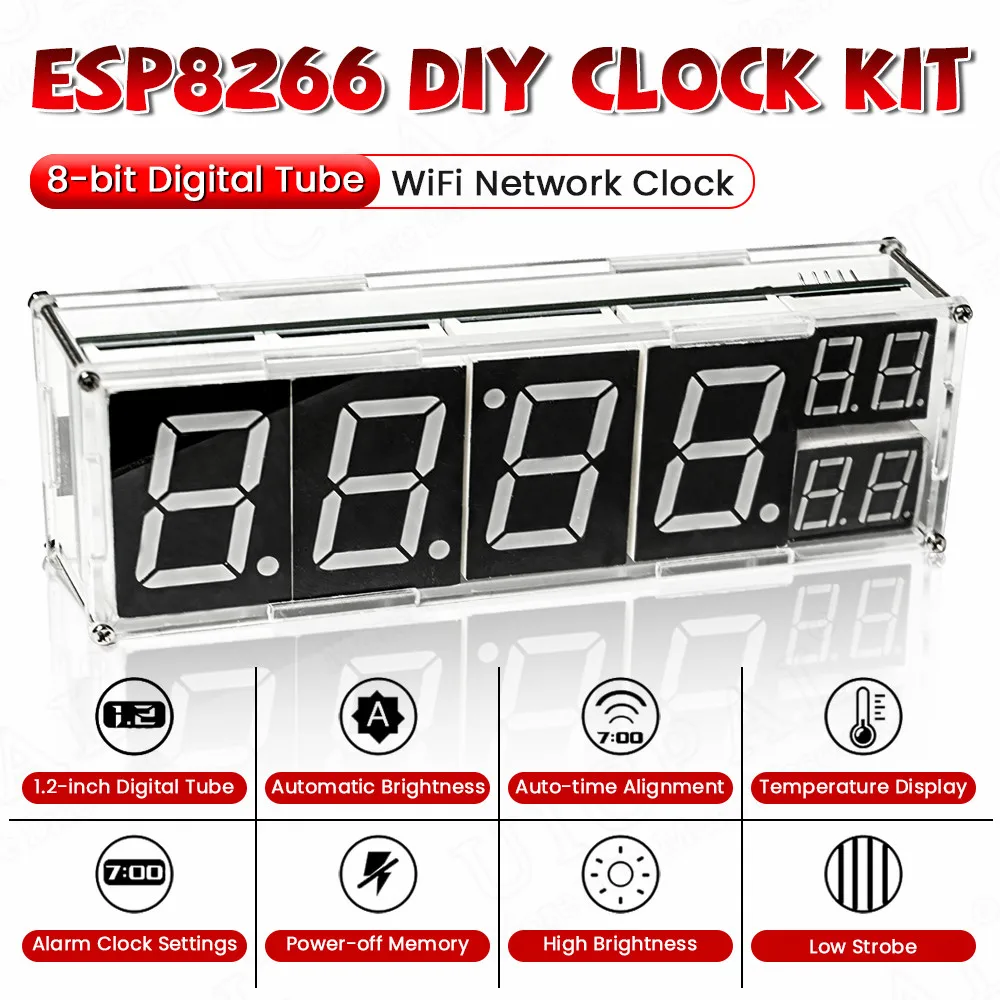
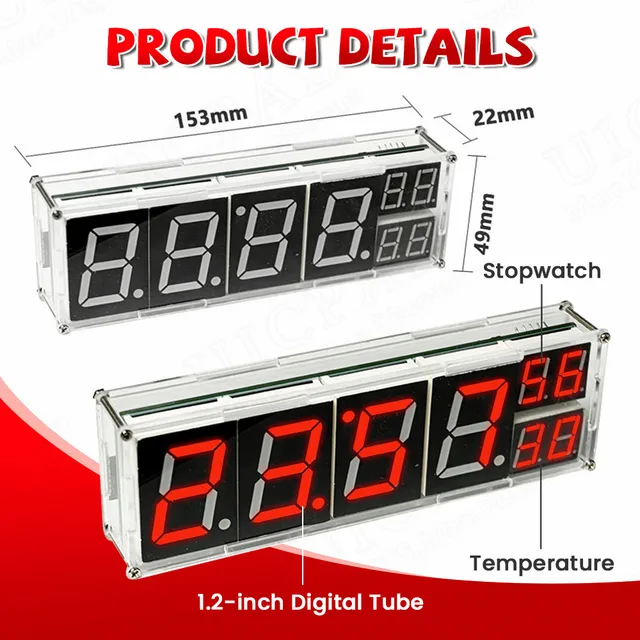

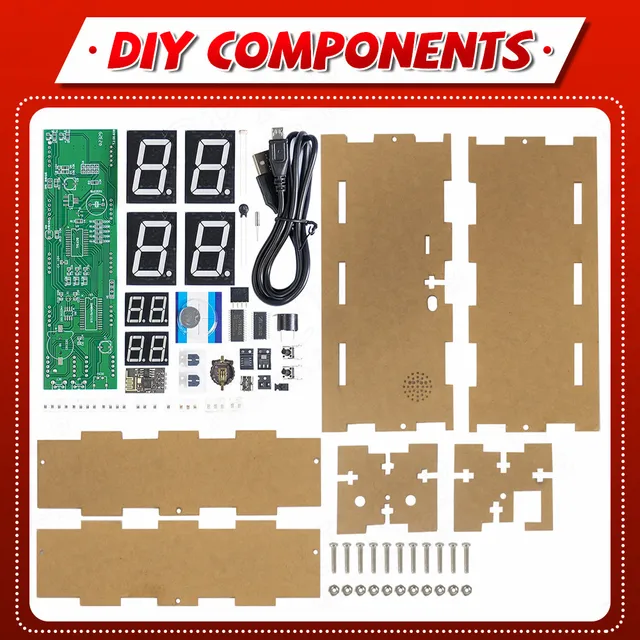
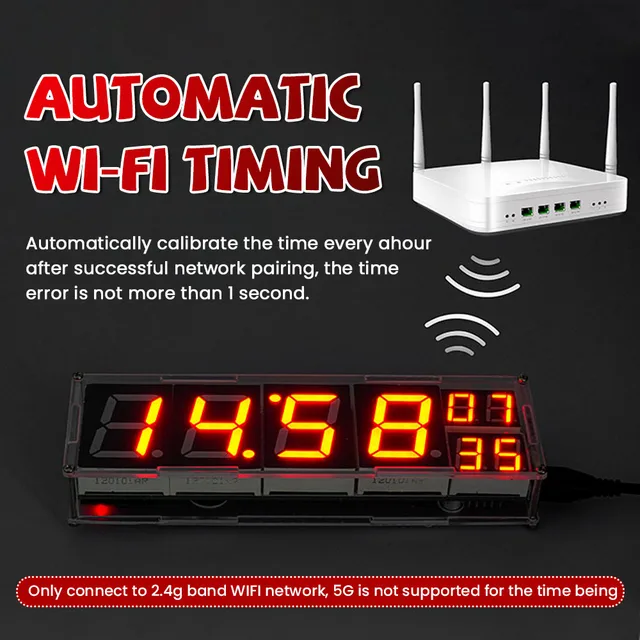
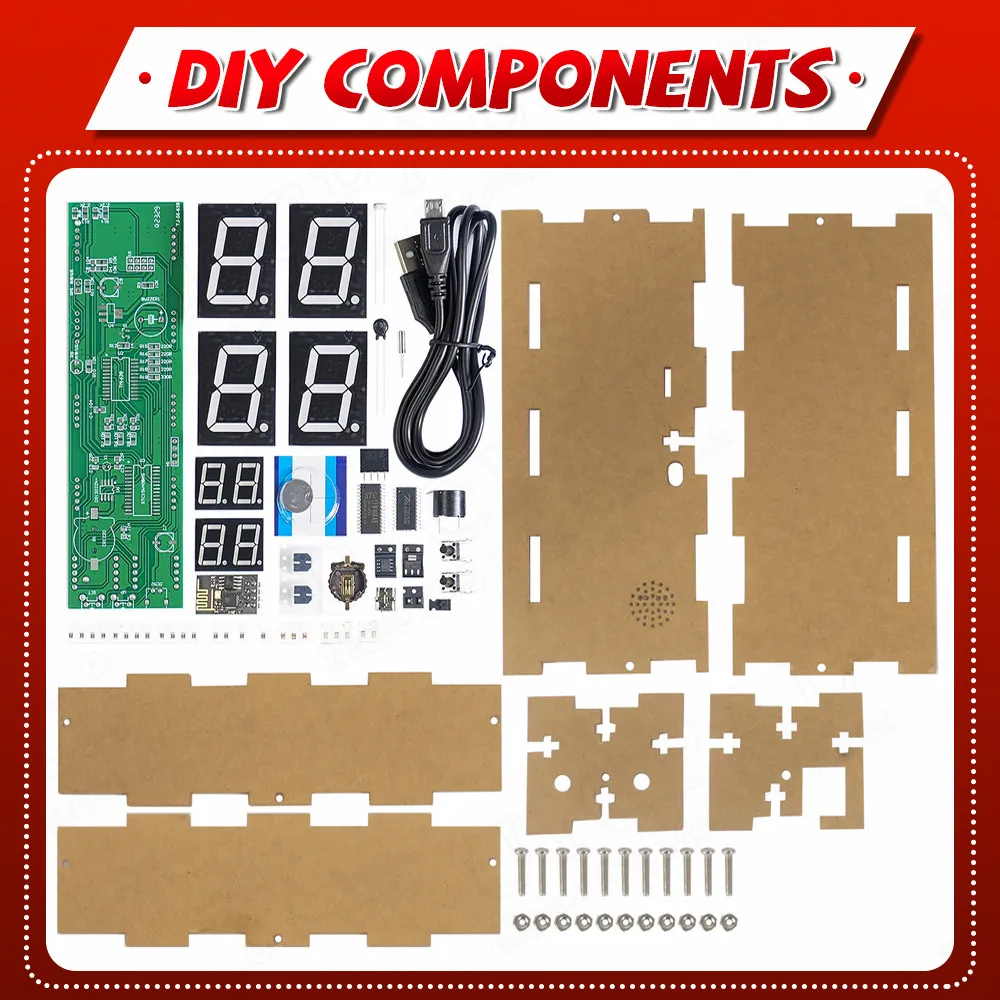
DIY Kit Electronic Network Clock WiFi ESP8266 Module 8-bit Digital Tube Display Time Temperature Alarm Soldering Practice Kit
$10.90
In stock
Description
Introduction to use:
Click the SET button to enter the settings option:
When the digital tube displays “SY”:
There are two display modes 1-0: fixed display interface
1: Automatic switching time, date and temperature display
When the digital tube shows “LU”:
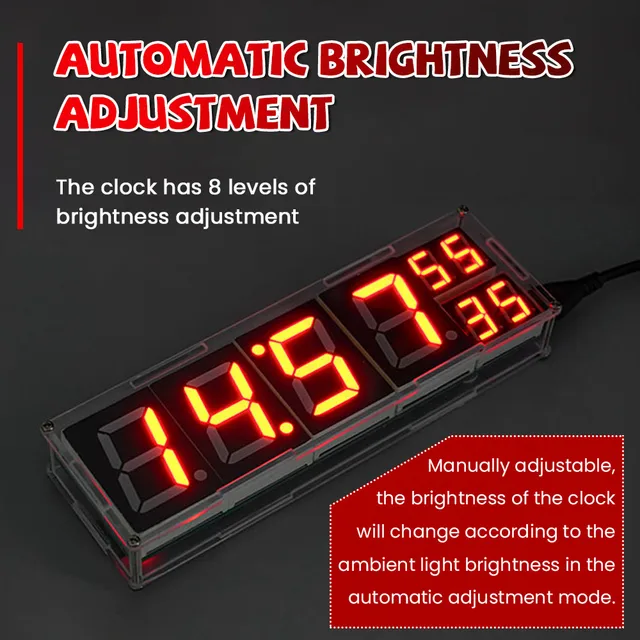
It represents the brightness setting of 0: automatic brightness
1-8: Corresponding to different brightness levels
When the digital tube shows “AO”:
“AO” represents the temperature compensation setting one
Due to the difference in components and the heating problem of the chip, the temperature is inaccurate (generally high). You can use this function to set the temperature compensation in the range of -8 degrees -> +8 degrees.
Double-click the SET button to enter the alarm clock setting option:
There are three sets of independent alarm clocks in it, the last 0 is off and 1 is to turn on the alarm clock.
Long press the SET button to enter the time setting option:
There is no need to use this function when the clock is connected to the Internet. If it is not connected to the Internet, you can manually modify the time here.
Product Customization
We support product customization services. Contact us to discuss your requirements.
Additional information
| Weight | 0.7 kg |
|---|
Maker & product resources
Check the product description for specifications, included items, stock and fulfillment details.
Related products
-
-
-
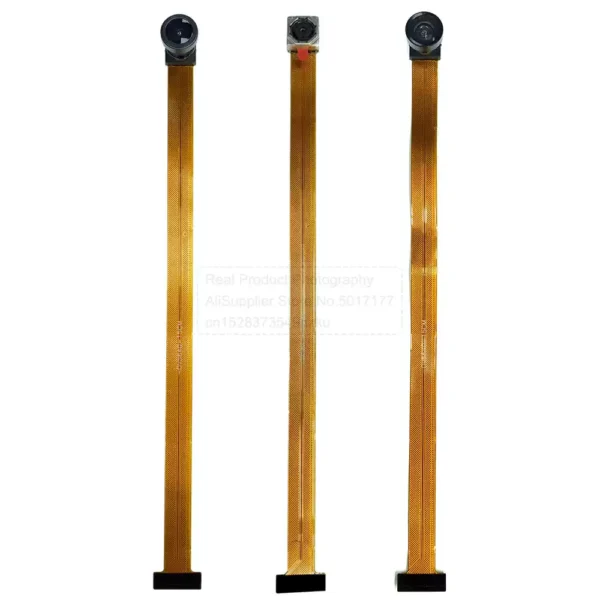
OV5640 Camera Module, 15cm Length, 5MP HD, 120°/160° FOV, DVP 24-Pin
$8.90Select options This product has multiple variants. The options may be chosen on the product page -
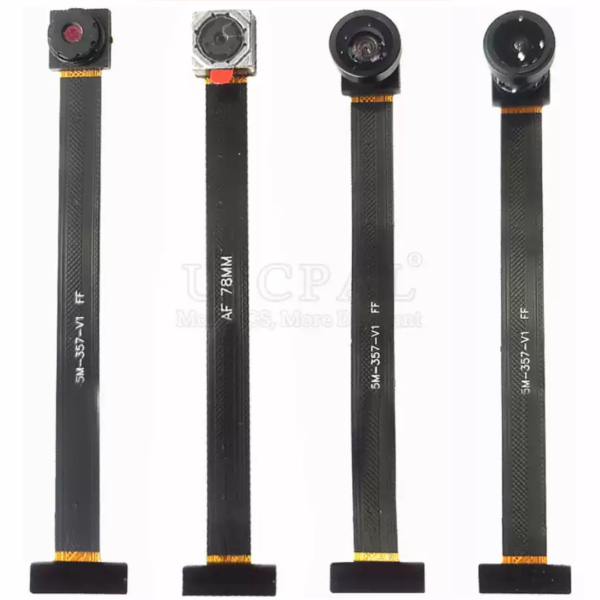
OV5640 Camera Module – 5MP HD, DVP 24-Pin, 78mm, Available in 68°/72°/120°/160° FOV
Price range: $6.30 through $8.90Select options This product has multiple variants. The options may be chosen on the product page
Reviews
There are no reviews yet.