
FROM YOUR DRAWING TO YOUR NEXT PRODUCT
Acrylic.
Cut to your design.
Custom panels, display pieces and electronics covers in clear, frosted or colored acrylic. Choose your specifications and upload your drawing for a reviewed quote.
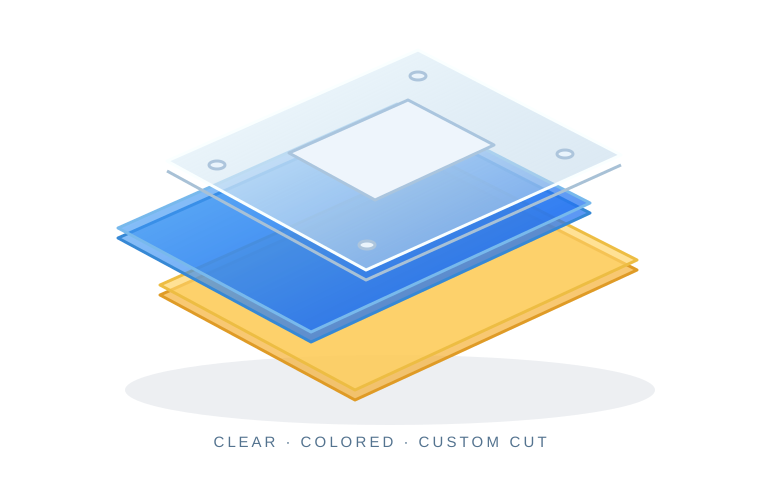
Configure your partColor, size, thickness and quantity
Upload your drawingsKeep each design clearly identified
Confirm before productionReview specifications, price and lead time
FIND YOUR FINISH
Explore the color samples.
Use the sample code when requesting your quote. Color and thickness availability are confirmed together during review.
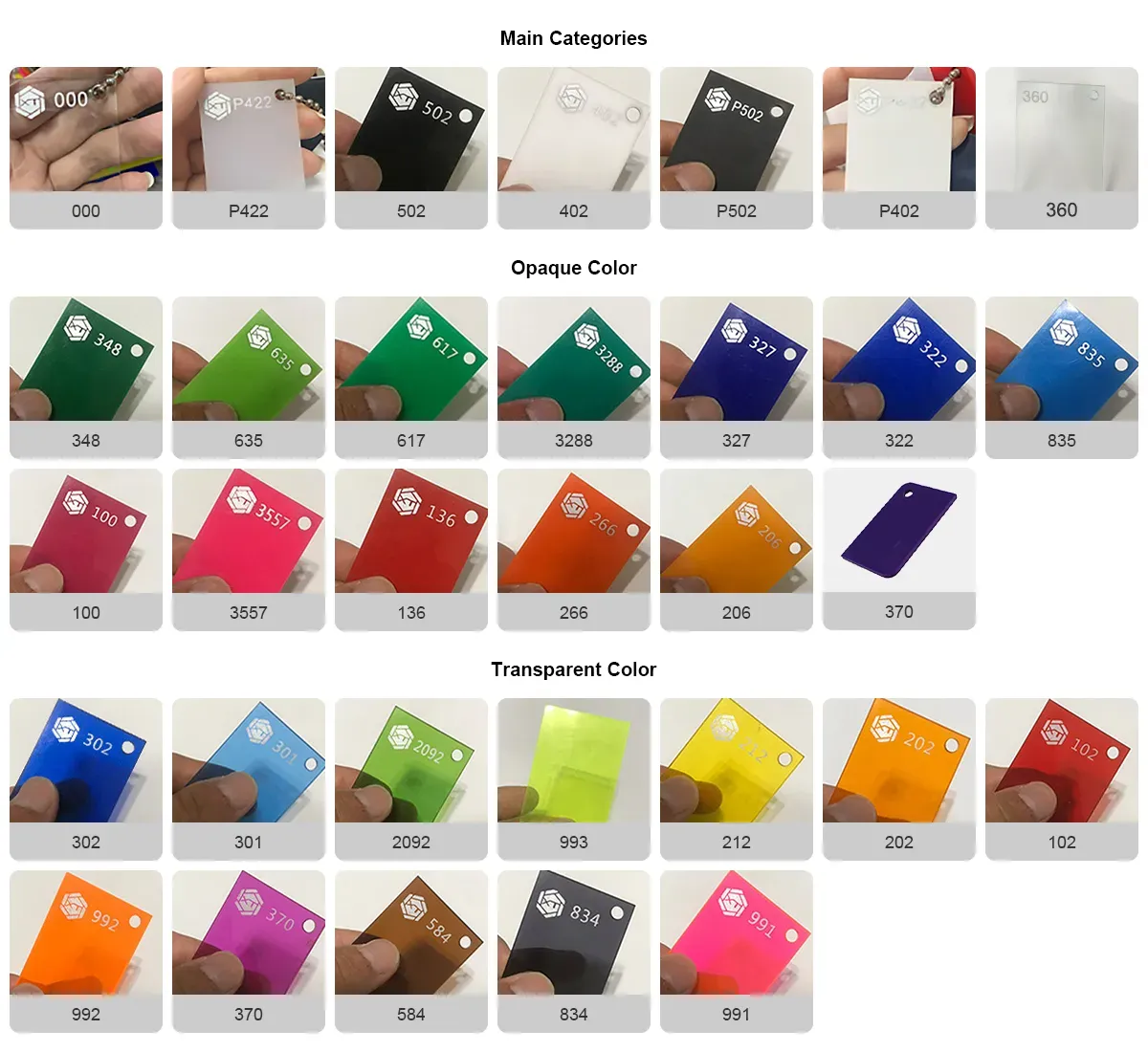
Tap the chart to view full size. Sample photographs are a visual reference; screen colors may vary. For a precise match, include a physical sample or color standard in your requirements.
Clear & matte
For covers, light diffusion and clean display surfaces.
Opaque colors
For signs, faceplates and decorative components.
Transparent colors
For tinted windows, displays and layered designs.
DRAWING CHECKLIST
Make your files ready to cut.
Supply a 1:1 vector drawing in millimeters. Close cutting contours, remove duplicate lines, and mark engraving on a separate layer. Add a dimensioned PDF for critical sizes and tolerances.
One design or several
ZIP your DXF, DWG, SVG or AI source files. For multiple designs, include a parts list with each filename, quantity, color, thickness and size; use the form for the main part and record the other parts in your notes.
Attach PDF, PNG or JPG references as supporting files. Raster images alone may need drawing preparation before cutting.
LET’S MAKE YOUR PART
Your design.
Your acrylic quote.
Request cutting, engraving or a custom finish. Sign in to submit and follow your request in My Inquiries. No payment is required at this stage.
- 01Share the specifications
Use the color chart and enter your overall part size.
- 02Attach the design
Include vector files and any finishing instructions.
- 03Review the quotation
We confirm feasibility, price and lead time before production.
ZIP, PDF, PNG or JPG. Up to 5 files, 20 MB each and 40 MB total. ZIP your CAD / vector source files.
Request a acrylic cutting quote
Fields marked * are required.
Your request has been saved.
Keep your reference for follow-up. Our team will review your part requirements.
BEFORE YOU UPLOAD
A few useful answers.
Can I order a prototype or a small batch?
Yes. Enter your required quantity, including a single prototype. The quote will account for material, setup and cutting requirements.
Which thickness should I choose?
Enter the thickness your design needs. Available thicknesses depend on the color and material stock. We confirm thickness and tolerances in the quotation.
Can you engrave or polish the parts?
Select cutting with engraving, or request polishing in the finish field. Mark the affected faces and areas in your drawing so the operation can be reviewed.
Can I include different designs in one inquiry?
Yes. Upload a ZIP containing the drawings and a parts list mapping each filename to its specifications and quantity. Include different requirements in the notes.
Does this form place an order?
This is a quote request. After you sign in and submit, your request is saved in My Inquiries. Production starts only after the quotation and production details are agreed and payment is arranged.
