
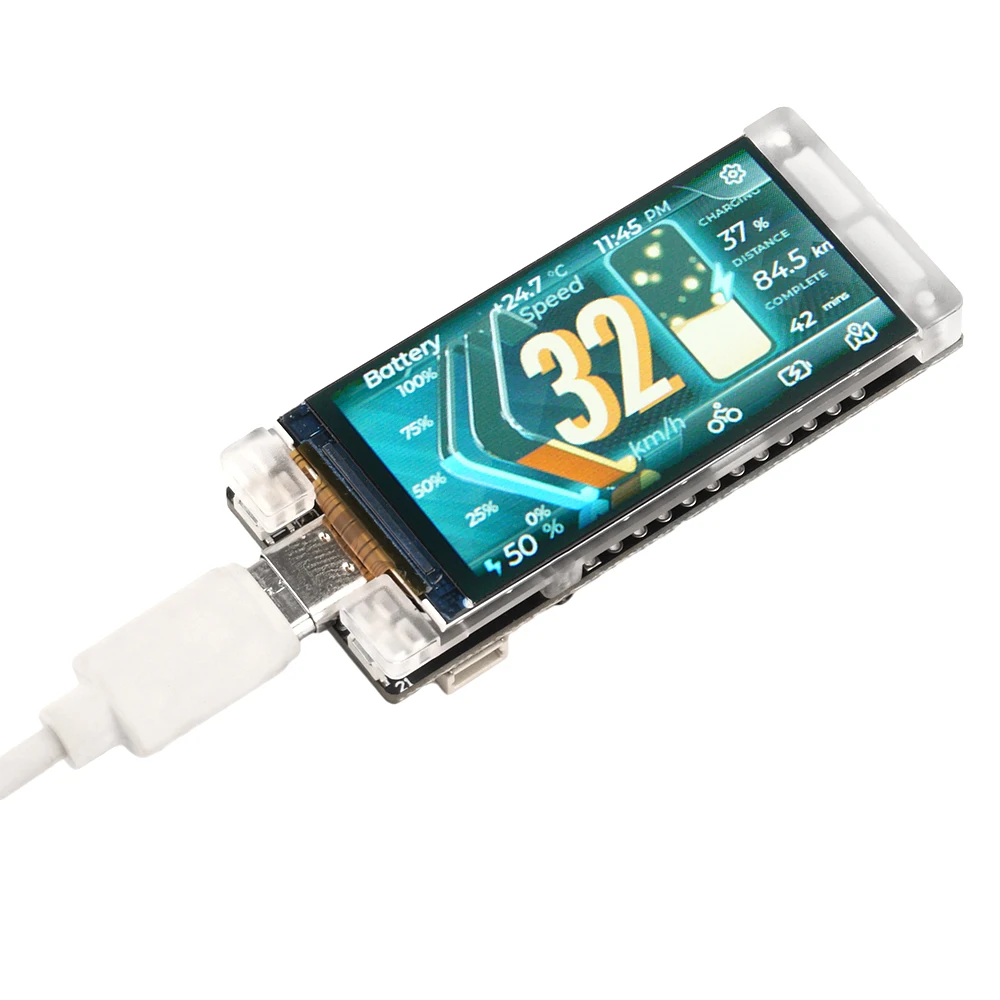
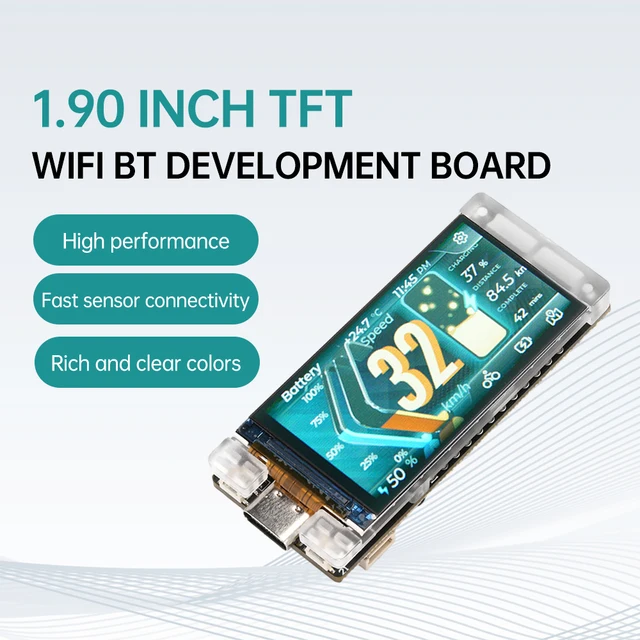
ESP32-S3R8 Bluetooth-WLAN-Entwicklungsboard-Modul mit Meshtastic LoRaWAN-Protokoll und T190 1,9-Zoll-TFT-LCD-Display
$18.90
Beschreibung
- Hochbesorgniserregende Chemikalie: Keine
- Typ: Modul
- Markenname: DIY NOW
- Herkunft: Festlandchina
- Zustand: Neu
Produkteinführung:
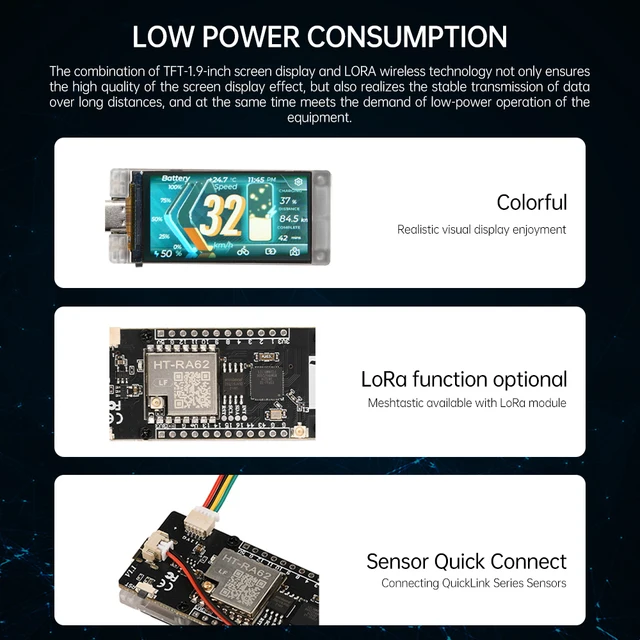
Using the example programs and development tools we provide, users can operate the display via Bluetooth, Wi Fi, and LoRa. It also supports daily entry-level programming and runs open source projects such as Meshtastic.
Parameter:
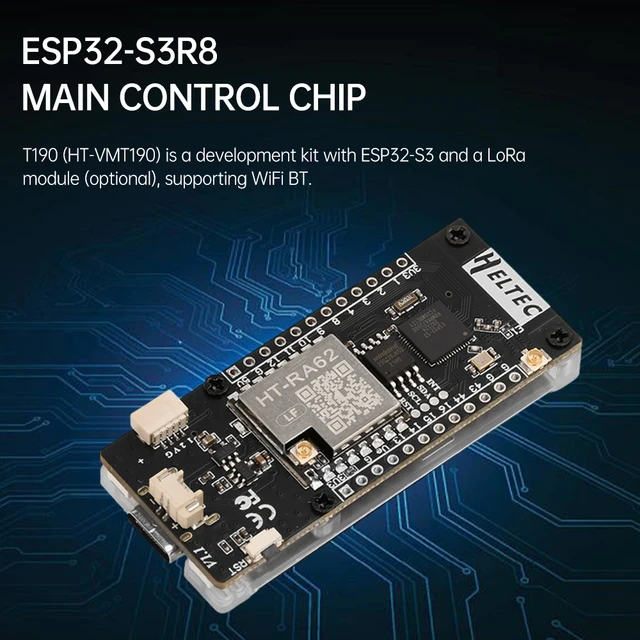
Main control chip: ESP32-S3R8
LoRa chip: SX-1262
Frequency (optional): 433MHz, 470~510MHz, 863~870MHz, 902~928MHz
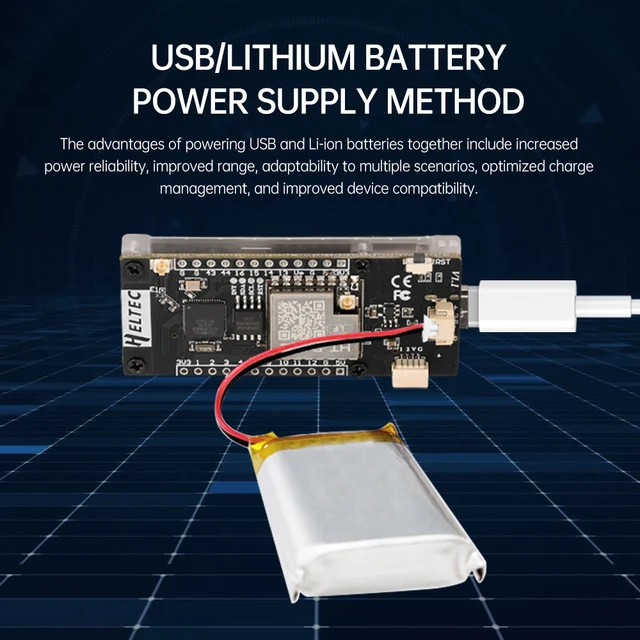
Power supply interface: lithium battery interface; Type-C interface
Bluetooth LE: Bluetooth 5, Bluetooth Mesh
Lagerung:
384KB ROM
512 KB SRAM;
16 KB RTC SRAM;
8MB SiPFlash
Supply voltage: 3-5V
Storage temperature: -30~70 ℃
Working temperature: -20~60 ℃
Optimal storage humidity: 0-65%
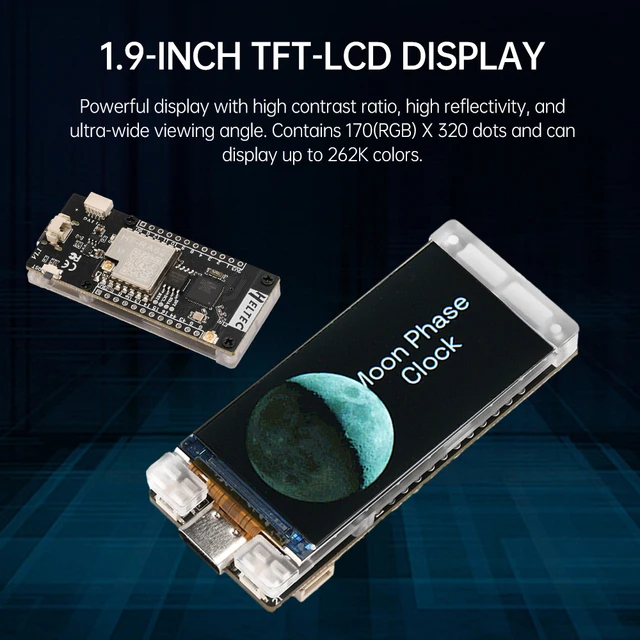
Display module: N190-1732TPWG01-C30
Screen type: Color TFT
Screen size: 1.9 inches
Anzeigefarben: 262K
Display area: 22.7 (H) x42.72 (V) mm ²
Display resolution: 170RGBx320
Hardware resources: 7 * ADC1+6 * ADC2; 11*Touch; 3*UART; 2*I2C; 2*SPI;
Interface: Type-C USB;
2 * 1.25 lithium battery interface;
LoRa ANT(IPEX1.0);
Wi-Fi ANT(IPEX1.0);
2 * 12 * 2.54 plug pins;
SH1.0-4P sensor interface.
Dimensions: 60×25.4×10.2mm
Lieferumfang:
1X-Entwicklungsboard
2X needle arrangement
2X terminal wire
1X antenna


Häufig gestellte Fragen:
1. What is T190?
T190 is an ESP32+LoRa development board equipped with a 1.9-inch TFT-LCD.
2. Can the on-board 2.4GHz antenna be replaced?
The default configuration of the T190 board is a PCB antenna, and the 2.4GHz antenna is a spring antenna. There is also an additional interface for 2.4GHz wireless signals on the board. When connecting an external antenna, the resistor needs to be rotated 90 degrees to the left.
3. What development methods does it support?
(1)Ard–uino
(2)Micro–Python
(3)Platform–IO
(4)Espressif–IDE
We strongly recommend using Ard–uino. We have full technical support and provide complete LoRa WAN code for the ESP32 Ard–uino framework.
4. What is the type of battery socket?
You can find this type of socket by searching for “SH1.25 x 2”.
5. Can’t find the serial port?
(1) Please reinsert the USB cable, or try a different cable.
(2) If you are using USB adapters, try skipping them and connecting directly to the USB port on the PC.
(3) Open the Device Manager, select the port, and if prompted, try installing the CP210X driver
(4) Try another computer or another syste
6. The serial port does not exist?
(1) Open the Device Manager and check if you can find the device port. If not, refer to the previous topic “I can’t find the serial port.”
(2) Please check if your serial port is open elsewhere.
(3) Enter BootLoader mode for uploading. There are two ways to enter this mode:
(4) Connect the USB cable, hold down the User (or ORG or Boot) key, press RST once, and then release the User (or ORS or Boot) key.
(5) Hold down the User (or ORG or Boot) key, and then connect the USB cable.
7. What are the specifications of the sensor connection cable?
This is a 10cm sensor adapter cable with specifications ranging from SH 1.0-4P to PH 2.0-4P. It is used to connect the development board and the sensor. The SH 1.0-4P port is used to connect to the interface of the development board, while the PH 2.0-4P port is used to connect to the sensor interface.
Produktanpassung
Wir unterstützen Dienstleistungen zur Produktindividualisierung. Kontaktieren Sie uns um Ihre Anforderungen zu besprechen.
Zusätzliche Informationen
| Gewicht | n. v. |
|---|
Ressourcen für Hersteller und Produkte
In der Produktbeschreibung finden Sie Angaben zu technischen Daten, Lieferumfang, Lagerbestand und Versanddetails.
Ähnliche Produkte
-

-
-
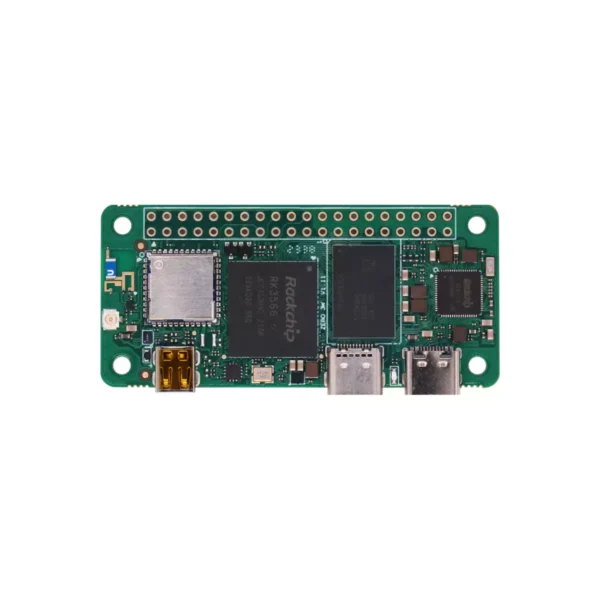
Radxa ZERO 3W RK3566 Quad-Core SBC mit WiFi 6
Preisspanne: $62.90 bis $64.90Ausführung wählen Dieses Produkt weist mehrere Varianten auf. Die Optionen können auf der Produktseite gewählt werden -
Rezensionen
Es gibt noch keine Rezensionen.